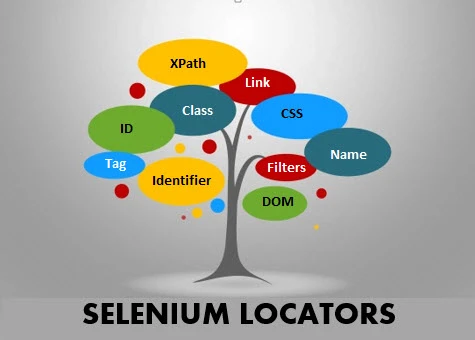
Day 4 of 100daysofcode : Mastering Selenium Locators
Locators in Selenium are used to identify and interact with web elements on a webpage, such as buttons, input fields, or links. They enable automated scripts to perform actions like clicking, typing, or retrieving information, making them essential for effective web automation.
Here’s a list of all the locators used in Selenium:
- ID
- Name
- Class Name
- Tag Name
- Link Text
- Partial Link Text
- CSS Selector
- XPath
- DOM Locator (via JavaScript execution)
These locators provide a variety of ways to identify and interact with web elements depending on the structure of the webpage.