Las aplicaciones modernas deben seguir estando disponibles incluso cuando el tráfico aumenta de forma repentina o las query consumen recursos desproporcionados. MongoDB Atlas está diseñado para ofrecer una alta disponibilidad, pero la disponibilidad en la práctica es algo más que sobrevivir a fallos del host o a una elección de un set de réplicas. También tiene que ver con cómo se comporta un clúster cuando la demanda supera lo que puede procesar de forma segura.
La semana pasada, anunciamos la Gestión inteligente de cargas de trabajo (IWM) como disponibilidad general (GA) en MongoDB 9.0. IWM es una capacidad de disponibilidad gestionada que mantiene los clústeres de Atlas receptivos y predecibles incluso bajo sobrecarga. IWM pone en cola los picos transitorios, permite el movimiento de operaciones de corta duración y la estabilidad de las de larga duración, y protege la salud del clúster sin que se requieran cambios en la aplicación.
Los eventos de sobrecarga a menudo se desarrollan más rápido de lo que la infraestructura puede escalar. Incluso con escalado automático activado, el provisionamineto de capacidad adicional toma tiempo. En The Gap entre un pico de tráfico y la disponibilidad de nueva capacidad, un clúster puede volverse inestable si cada solicitud se trata de la misma manera y los cliente vuelven a intentarlo agresivamente. IWM está diseñado para cerrar esa brecha preservando la salud del clúster, optimizando el rendimiento y convirtiendo lo que sería una Interrupción del servicio impredecible en un evento controlado y observable.
En Coinbase, el volumen de comercio puede aumentar en minutos, y los sistemas tienen que escalar en tiempo real, o el cliente lo nota. La gestión inteligente de la carga de trabajo nos da confianza en que los clústeres seguirán respondiendo durante las ventanas de comercio pico.
”En caso de sobrecarga sostenida, los clientes pueden activar opcionalmente la Descarga de carga para rechazar operaciones excedentes. IWM ayuda a gestionar la presión mientras pasa un pico o se agrega capacidad; no aumenta la capacidad ni reemplaza el escalado automático y la planificación de capacidad.
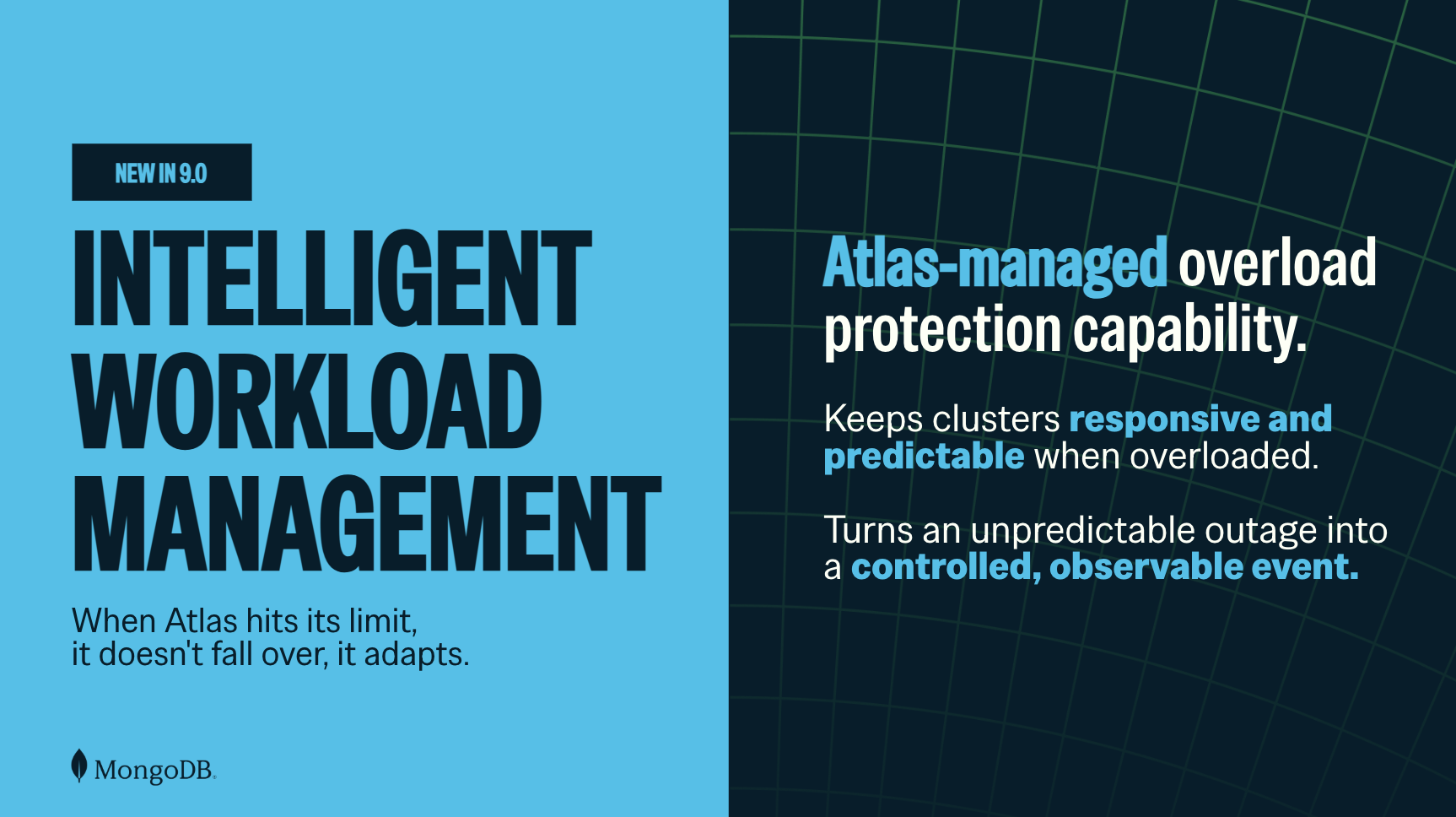
Figura 1. La gestión de la carga de trabajo inteligente se adapta para mantener los clústeres dinámicos y previsibles.
Gestión de la presión de la carga de trabajo mientras la capacidad aumenta
Los picos de tráfico y las operación que requieren muchos recursos pueden aumentar la demanda más rápido de lo que la infraestructura puede escalar. Incluso cuando el escalado automático está activar, el provisionamineto de capacidad adicional lleva tiempo. Los reintentos agresivos de los cliente pueden añadir presión mientras un clúster ya está ocupado.
IWM ayuda a gestionar la presión de la carga de trabajo durante ese periodo. Funciona con o sin escalado automático: cuando el escalado automático está activar, IWM ayuda a mantener el clúster estable a medida que la capacidad se conecta; sin ella, IWM gestionado/gestionada el trabajo a la capacidad provisionamineto del clúster. Para una demanda sostenida o creciente, puede seguir siendo necesario añadir capacidad.
Cómo responde IWM a la presión de la carga de trabajo
Cuando un clúster está en buen estado, IWM es prácticamente invisible. Cuando la demanda supera lo que el clúster puede procesar con seguridad, IWM gestionado/gestionada la presión en etapas:
- Limita el trabajo entrante y pone en cola las solicitud excedentes: por defecto, IWM pone en cola las solicitud excedentes en lugar de rechazarlas proactivamente. Esto puede ayudar a absorber los picos transitorios, aunque las solicitud en cola pueden tardar más en completarse mientras los recurso estén restringidos. La puesta en cola cambia cuándo se gestiona el trabajo, no la cantidad de trabajo que la aplicación solicita finalmente que realice el clúster.
- Ayuda a mantener el movimiento de las operaciones de corta duración: Una operación de corta duración, como una lectura o guardar típica, y una operación de larga duración, como una query de reporte grande, no realizan las mismas demandas a un clúster. Cuando los recursos están limitados, IWM mantiene las operaciones de corta duración en movimiento y, al mismo tiempo, gestiona las operaciones de larga duración de forma más conservadora.
- Ayuda a gestionar la presión de los recursos: La fragmentación de la memoria, el desequilibrio de la caché y el agotamiento del almacenamiento pueden desestabilizar un clúster que funciona correctamente. IWM ajusta la gestión de la memoria y la caché del clúster cuando detecta patrones poco saludables y puede pausar las nuevas operaciones de guardar mientras sigue permitiendo las de lectura cuando el uso del almacenamiento alcanza niveles críticos.
Estas protecciones ayudan a preservar la salud del clúster durante una sobrecarga. No hacen que la capacidad sea ilimitada ni sustituyen a una buena indexación, planificación de la capacidad o escalado automático.
Protecciones por defecto y descarga de carga opcional
Las protecciones por defecto de IWM están activadas sin costo adicional en clústeres dedicados elegibles de Atlas que ejecutan MongoDB 9.0. No requieren realizar cambios en la aplicación ni actualizar los driver. Por defecto, IWM gestionado la sobrecarga sin rechazar activamente el exceso de trabajo.
La descarga de carga es un control opcional separado para la sobrecarga sostenida. Si está activada, puede rechazar las operaciones excedentes y esas rechazos serán visibles para la aplicación como errores de sobrecarga. La descarga de carga está disponible sin cargo adicional para clústeres de Atlas de tipo set de réplicas dedicado M30+ elegibles que ejecuten MongoDB 9.0.
Las protecciones IWM por defecto funcionan con cualquier driver de MongoDB. Si activa la Descarga de carga, utilice un driver compatible con contrapresión para que su aplicación pueda interpretar las señales de sobrecarga y aplicar reintentos limitados con backoff. Compruebe la matriz de drivers compatibles antes de activar la Descarga de carga.
Figura 2. La diferencia entre el ajuste por defecto (en cola) y el de descarte de carga.
.png)
Comprender las intervenciones de IWM con la observabilidad
En Atlas, revisión las métricas de Límite de tasa de operación y Límite de tasa de conexión para las operación o conexiones en cola o rechazadas. Cuando está activar el vertido de carga, las operación rechazadas aparecen en Límite de tasa de operación. Configure o realice una revisión de la condición de alerta de IWM para rastrear el evento de IWM relevante y verifique la fuente de actividad para ver los eventos relacionados con IWM. Juntas, estas superficies de Atlas lo ayudan a evaluar si la presión continúa y si debe realizar una revisión del patrón de carga de trabajo o agregar capacidad. Aprender más sobre la observabilidad de IWM en Atlas.
Para los equipo que evalúan la opción opcional de descarte de carga, Atlas también ofrece una prueba para validar la compatibilidad con el driver, la gestión de errores de sobrecarga de la aplicación y la visibilidad operativa antes de confiar en el control en producción. Cuando se prueba en un clúster de prueba o desarrollo activo, Atlas rechaza aleatoriamente un pequeño porcentaje de operaciones independientemente de la carga. Los equipos pueden seguir las operaciones rechazadas en la gráfica de métricas y hacer la revisión de los resultados después de finalizar la prueba. Debido a que las aplicaciones pueden encontrar errores de sobrecarga durante la prueba, los equipo deben usar estas pruebas solo para verificar el comportamiento del cliente. Los equipo no deben ejecutar pruebas en un clúster de producción. Aprender a probar el descarte de carga.
Para conocer los detalles sobre el comportamiento de IWM y cómo responder a la sobrecarga, consulte la documentación de IWM.
comenzar
Confirme que su clúster sea un clúster de Atlas dedicado elegible que ejecute MongoDB 9.0.
Decida si el escalado automático debe agregar capacidad durante una sobrecarga sostenida. IWM ayuda a gestionar la presión mientras hay capacidad adicional en línea; no reemplaza el escalado automático ni la planificación de la capacidad.
Si activa la eliminación de carga, verifique la matriz de drivers compatibles y confirme que la aplicación utiliza reintentos delimitados con retroceso.
Haga una revisión de los tableros de observabilidad de Atlas para comprender cuándo interviene la IWM y qué carga de trabajo se ve afectada.
Próximos pasos
¿Todo listo para que los clústeres sean más previsibles durante los eventos de sobrecarga? Lea la documentación de IWM, explore el escalado automático de Atlas o regístrese en MongoDB Atlas para empezar a crear hoy mismo.