LAUNCHMongoDB 8.3 is built for the sub-100ms retrieval & zero downtime AI demands. Read blog >
AI DATAStop fighting your data layer. Get the memory & retrieval agents need to scale. Read blog >

TOOLS

MongoDB for Visual Studio Code

The essential VS Code extension for MongoDB. Build, query, and manage your data without ever leaving your editor.

Download NowExplore the docs
An illustration of computer monitor with a code.

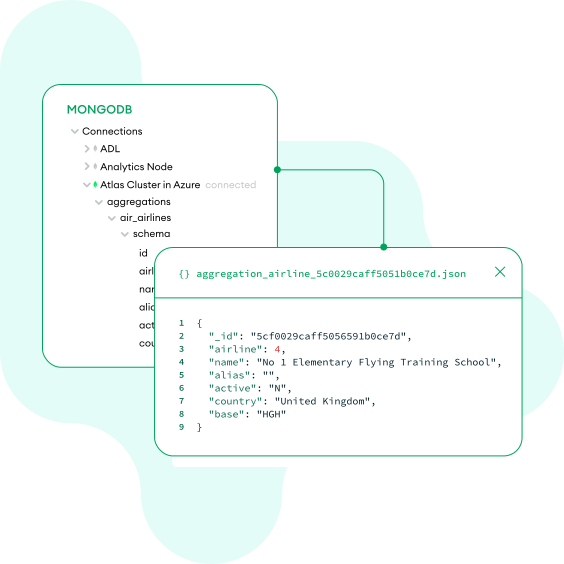
Code and data, side-by-side

Browse your databases, collections, and documents, and test your queries and aggregations right next to your application code. By keeping your workflow inside Visual Studio Code, you can maintain focus and dramatically improve productivity.

Learn more
Code and data, side-by-side.
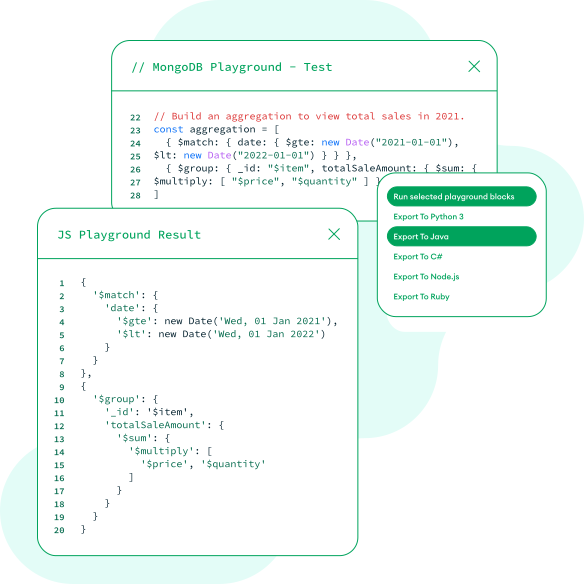
Accelerate development from idea to code.

Accelerate development from idea to code

Skip the boilerplate and stay focused on your application logic. Instantly convert any playground query into ready-to-use code for popular languages like Node.js, Python, Java, C#, and more. For complex tasks, just describe the command you need in natural language.

Learn more

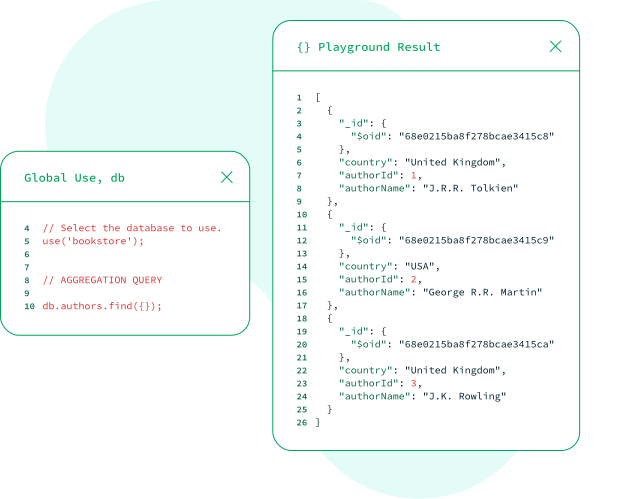
Power and flexibility, combined

Seamlessly switch between an interactive playground for safely building queries with instant, visual feedback and the raw power of MongoDB Shell for advanced commands. You get the right tool for any task, all within a single, unified environment.

Learn more
Power and flexibility, combined
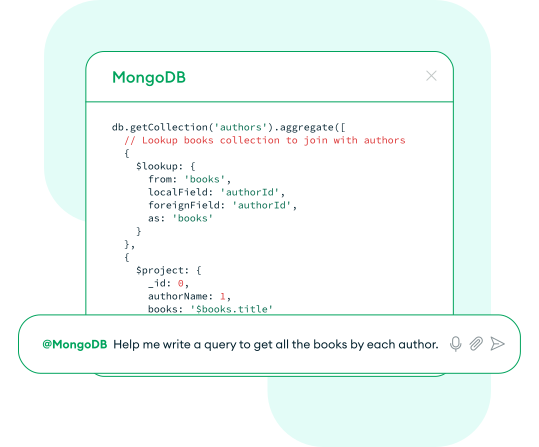
Your AI-powered MongoDB assistant

Your AI-powered MongoDB assistant

Generate complex aggregations and queries just by describing what you need in plain English. Our GitHub Copilot integration, powered by MongoDB MCP Server, translates your natural language directly into the correct syntax, saving you time on documentation and complex commands.

Learn more

Your MongoDB workflow, right inside VS Code

From running a quick query to prototyping a complex aggregation, see how the extension streamlines common tasks without switching windows.

MongoDB Playgrounds are JavaScript environments where you can prototype queries, aggregations, and MongoDB commands with helpful syntax highlighting.

Learn more
JavaScript
JSON response

VS Code use cases

View all use cases
illustration of a light bulb and a pencil representing creativity and technology.
AI

From natural language to query

Accelerate your workflow by describing what you need in plain English. Our integration uses GitHub Copilot to translate your intent into queries.

Learn more
Illustration with graphs, clock, and magnifying glass representing productivity.
PRODUCTIVITY

Eliminate context switching

Stop jumping between your code and a separate database GUI. Connect to any cluster, browse collections, and inspect documents right in your editor.

Learn more
illustration of bringing your ideas to life.
DEVELOPMENT

From idea to application code

Bring your ideas to life in a playground. Rapidly iterate on queries, then instantly generate the code for Node.js, Python, Java, and more.

Learn more

Learning hub

Tutorials, videos, and guides to help you master the VS Code extension.
general_content_play

Get tips on how to get started

Learn how to install and run your first queries in playgrounds and MongoDB Shell.

Watch the video
general_content_ebook

The vision for VS Code

Explore the "why" behind the tool. Read our original post about improving developer productivity by bringing MongoDB right into your editor.

Read the blog post
technical_mdb_llm

Work with MongoDB directly in VS Code

Stop switching windows. Learn how to connect to clusters, browse your schema, and test aggregation pipelines, all without ever leaving VS Code, with MongoDB University.

Take the course

FAQ

Get the MongoDB extension for Visual Studio Code

Install the extension and start working with your data in minutes.
Get It For FreeRegister now
GET STARTED TODAY
  • Manage MongoDB without leaving your IDE
  • Rapidly prototype queries & aggregations
  • Generate queries from natural language
  • Instantly generate application code
  • Direct Shell access