How to Store Data Using PyMongo and Flask
All database access is routed through the global “db” object initialising the PyMongo client. The special variable object “g” is used here to define the PyMongo database in the global application context.
In MongoDB, information is stored in BSON Documents. BSON is a binary, JSON-like structure. It supports the same data types as JSON with a few extras such as date, raw binary, as well as more number types such as integer, long, and float.
A collection is what MongoDB calls a group of documents in one container. Let’s cover the basic Create, Read, Update, and Delete operations.
Create
The creation of documents can be done via the collection object and insert_one method. Let's look at the “add_comment” function:
The above function receives comment attributes and inserts one document into the comments collection.
Read
Reads in MongoDB can be done via a query using _find or find_one _which returns a cursor of documents or a single document respectively. Another option is to use aggregations to perform a more complex search or restructuring of data. For more information on aggregations, see this documentation.
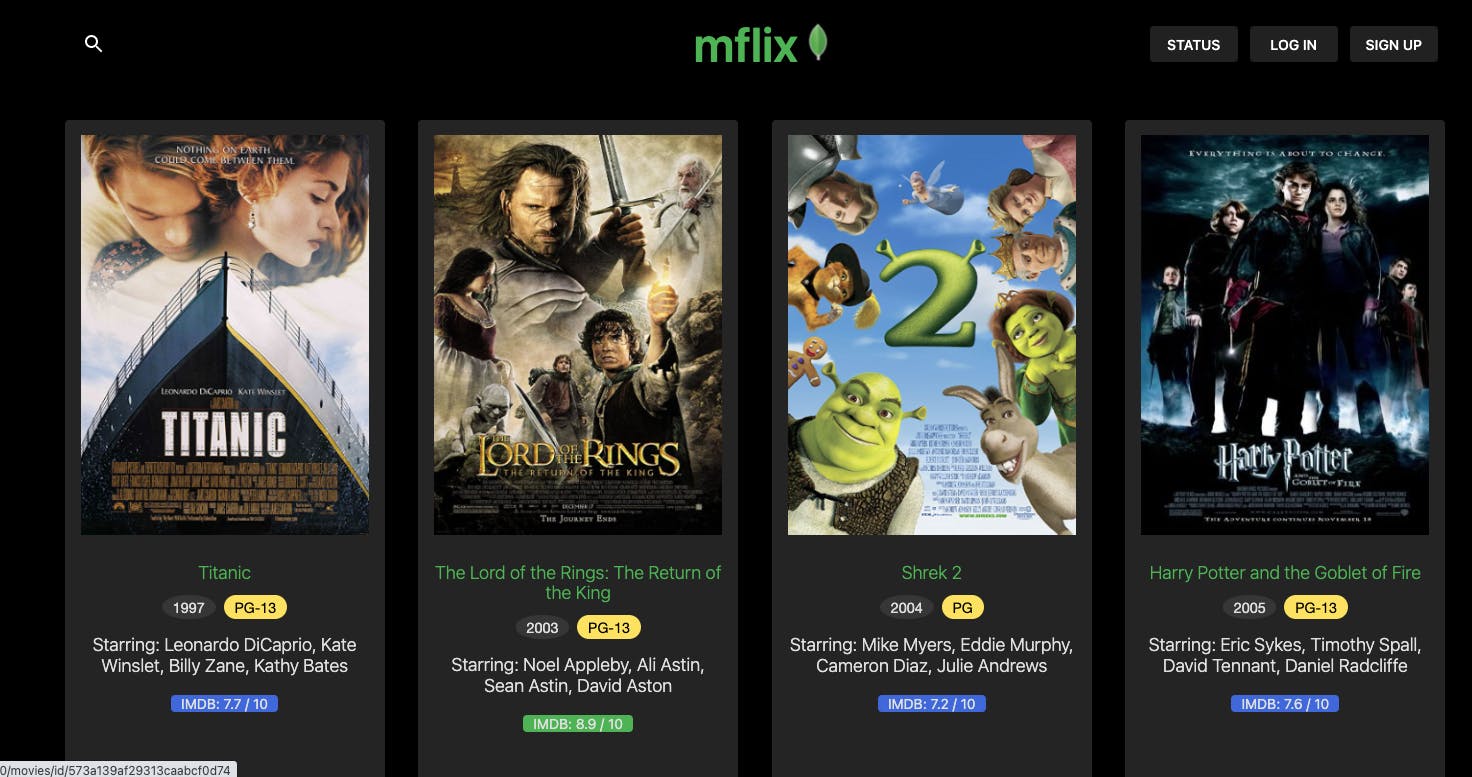
Our application query can filter movies using both find and aggregate methods:
Find in get_movies
The find method is searching the movies collection and providing a query criteria and sort document based on user input. See this code in db.py file.
Aggregate in get_all_genres
The aggregation unwinds the genres array in each document and calculates a distinct list of possible genres.
Update
To update a document, a collection object can use the update_one method. In our example, we’re providing a filter and updated values for text and date of a comment:
Delete
To delete a document, a collection object can use the delete_one method. In our example, we’re providing an _id of a comment to delete it: