ATLAS
Atlas SQL Interface
Easily query, analyze, and visualize Atlas data with SQL-based tools.

Now Available: SQL Interface for Enterprise Advanced
_Spot.png)
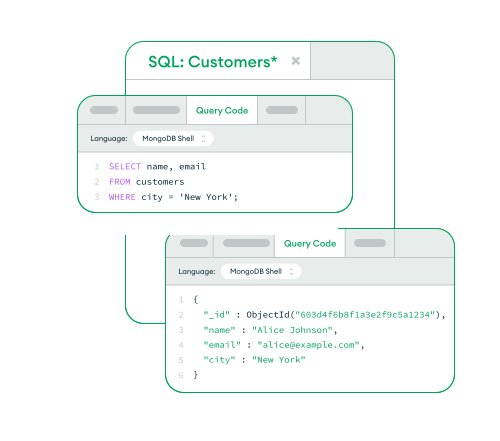
Query Atlas data with SQL
Atlas SQL Interface lets you query and analyze MongoDB data using familiar SQL syntax and SQL-based tools. With its SQL-92 compatible MongoSQL dialect, you can seamlessly query Atlas dedicated clusters or federated data sources like cloud storage (S3, Azure Blobs, etc.) while simplifying schema management for analytics.
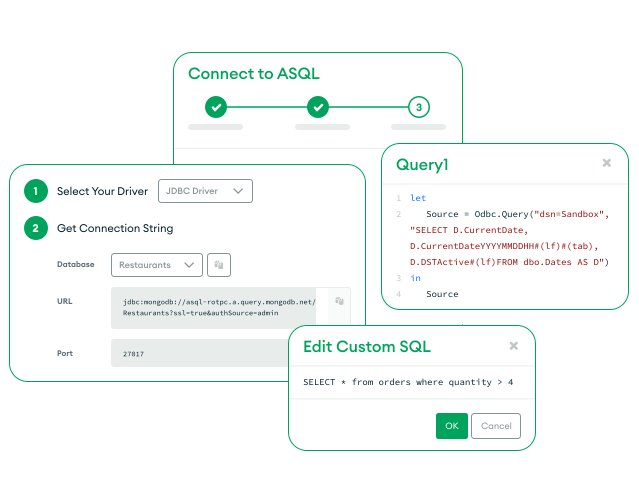
Native BI tool integration
With Atlas SQL connectors and drivers, you can easily connect SQL-based BI and analytics tools to Atlas. Perform live analytics on operational data without complex ETL for faster, real-time insights.
Unified SQL components across data source environments
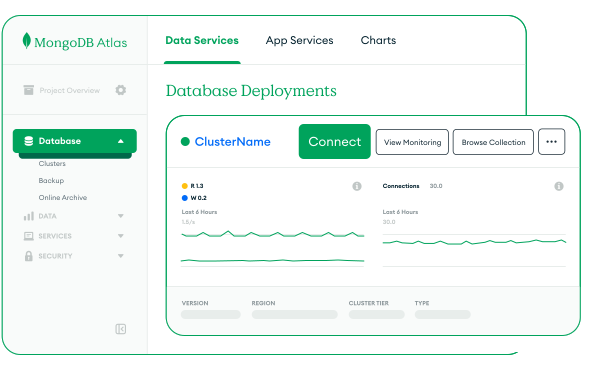
Easily analyze real-time and historical data using standardized SQL components. Eliminate operational friction and enable seamless portability across hybrid database environments. You can now enable Atlas SQL directly from your cluster card.

Founder at Ganson Street
Founder at Ganson Street
Learning hub
Find tutorials, videos, and other resources on querying and analyzing your Atlas data with SQL.

FAQ
Atlas Data Federation lets you create virtual databases that span multiple clusters, storage layers, and sources. It supports the SQL Interface by providing a unified view of your data without requiring any additional ETL.
If federation is not required for your analysis, you may instead use the Atlas SQL Interface to connect and query directly to an Atlas dedicated cluster.
Get started with Atlas SQL Interface today
- Easily connect BI tools to Atlas
- Query live MongoDB data
- No ETL required